
VRV Error Code Escalation Guide
A VRV error code is a fault-reporting clue, not a complete diagnosis. Report the brand, model or series, controller photograph, full code, affected indoor units or zones, timing, restart result and recent work. Do not dismantle equipment or repeatedly reset it from an online code table.
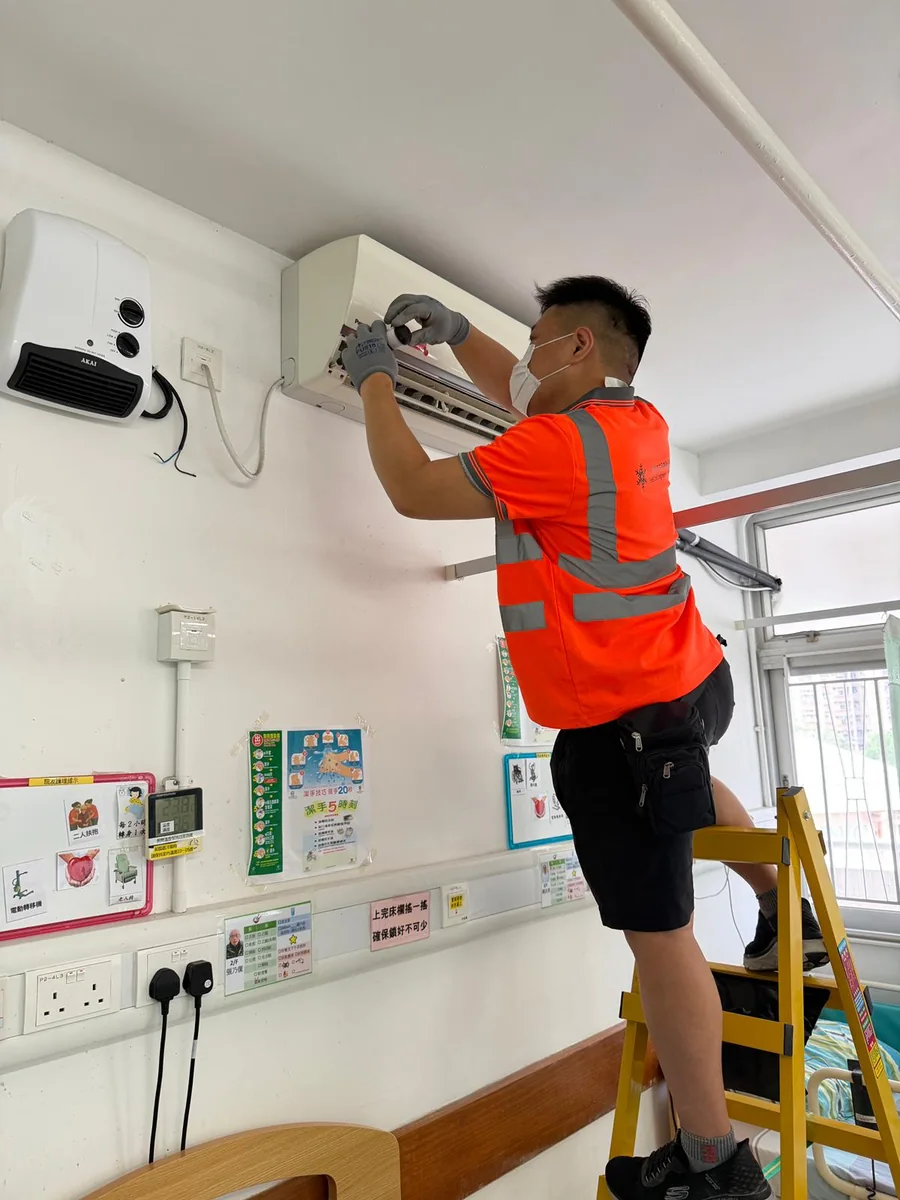
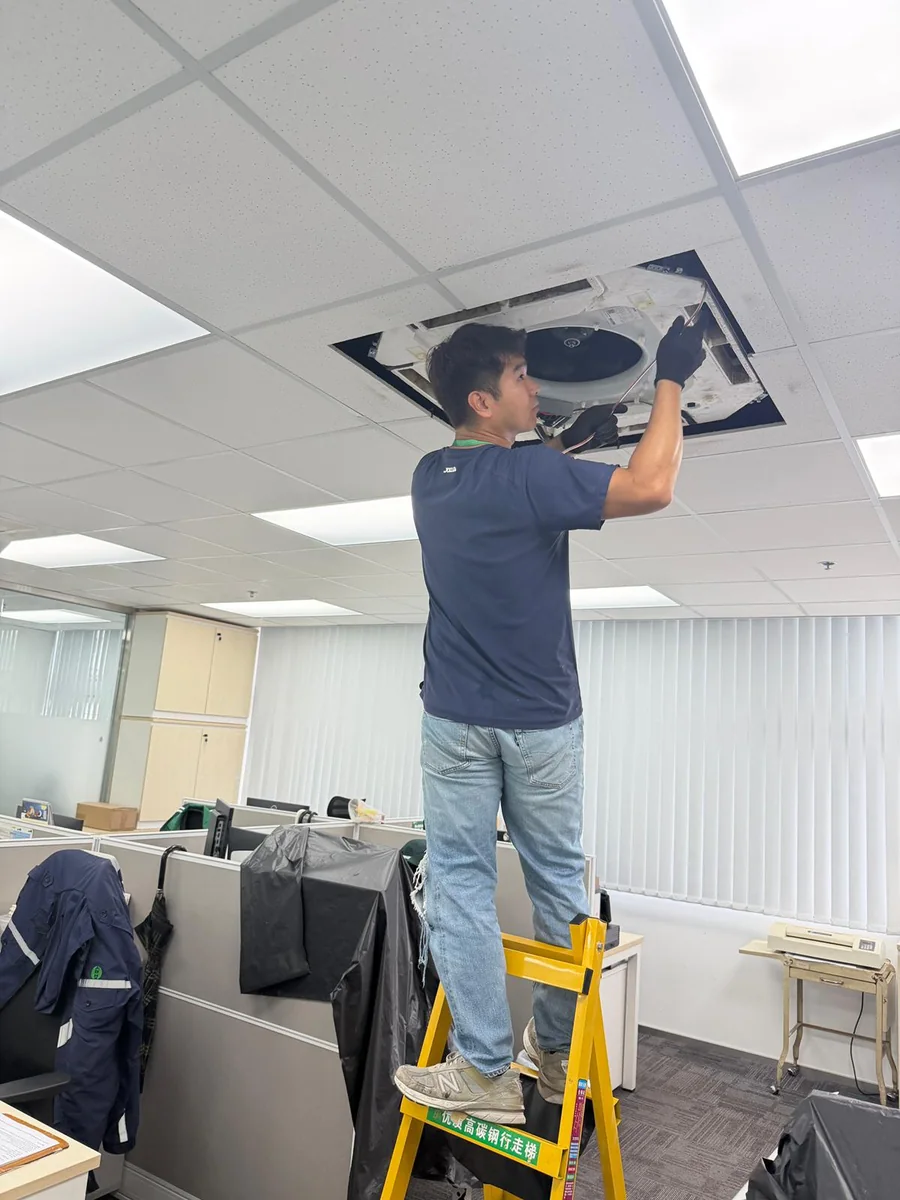
Image note: This image is a concept visual created for the topic of this article, not a photograph of an Evolt Cool Engineering project.
Three points to establish first
When deciding how to handle VRV Error Code Escalation Guide, start with these points and link each one to the actual equipment, location and responsible person.
Full display photograph
Photograph the whole controller display, code and other indications rather than copying only letters and numbers. This gives the buyer a common basis for comparing proposals and documenting why a particular scope was approved.
Equipment identification
Provide brand, series, equipment label and the relevant indoor or outdoor-unit group. For several units or areas, separate the record by floor, zone or equipment type so one exception does not obscure the rest of the review.
Affected scope
List normal and abnormal areas and whether one unit, several units or a whole group is involved. Keep the responsible person, confirmation date and next action together instead of leaving an important constraint across separate message threads.
Capture the complete error information
One missing character, controller type or equipment group can remove the context of a code.
Before approving work related to VRV Error Code Escalation Guide, Bring full display photograph, equipment identification, affected scope into one decision view so the site representative can see what is confirmed and what still needs clarification. Where the available information cannot support a conclusion, state the photograph, test or site confirmation still required rather than presenting an assumption as a result.
In the record for VRV Error Code Escalation Guide, the resulting record should separate equipment identity, site conditions and unresolved points so the next person does not need to reconstruct the decision. Keep this information in the same record so the quotation, site arrangements and completion review use consistent equipment names and locations.
What an error code can and cannot show
A code can indicate an inspection direction, but site measurement, testing and system information may still be required.
For VRV Error Code Escalation Guide, Use it provides direction, it does not establish the final cause, it is not a diy instruction for approval or follow-up only when the source, date and equipment location can be traced. If the actual condition differs from the submitted information, update the scope, owner and date before deciding whether the affected work can continue.
In the record for VRV Error Code Escalation Guide, keep the document name, equipment location and date aligned so a later reviewer can trace the conclusion to the original information. The record should be clear to someone who was not present and distinguish completed work, unavailable checks and separately arranged follow-up.
It provides direction
Helps the repair team prepare relevant information, tools and the likely equipment scope. Where the available information cannot support a conclusion, state the photograph, test or site confirmation still required rather than presenting an assumption as a result.
It does not establish the final cause
The code alone does not prove which component has failed or define the repair quotation. Keep this information in the same record so the quotation, site arrangements and completion review use consistent equipment names and locations.
It is not a DIY instruction
Do not open panels, reset or buy parts from the code without site confirmation. The site representative can then check each location and record unresolved items before the work date instead of dealing with them at mobilisation.
Conditions that increase escalation priority
Where a code is accompanied by safety or major operational impact, control the site risk first.
When the site representative prepares for VRV Error Code Escalation Guide, Where trip, smoke or burning smell, leakage or abnormal noise, several critical areas affected are involved, control the immediate risk first, preserve visible information and pass the decision to an appropriate person. For several units or areas, separate the record by floor, zone or equipment type so one exception does not obscure the rest of the review.
In the record for VRV Error Code Escalation Guide, the escalation record should show the visible condition, immediate protective action and the person taking over so the site does not repeat an unconfirmed operation. Keep the responsible person, confirmation date and next action together instead of leaving an important constraint across separate message threads.
Trip, smoke or burning smell
Stop the equipment and restart attempts and follow the emergency notification process. If the actual condition differs from the submitted information, update the scope, owner and date before deciding whether the affected work can continue.
Leakage or abnormal noise
Protect nearby people and items and record the location and equipment condition. The record should be clear to someone who was not present and distinguish completed work, unavailable checks and separately arranged follow-up.
Several critical areas affected
Explain operational impact, temporary measures and the available work period so priority can be set. This gives the buyer a common basis for comparing proposals and documenting why a particular scope was approved.
Use one reporting format across sites
Common fields reduce follow-up questions while retaining site-specific equipment and operating differences.
To turn VRV Error Code Escalation Guide into a workable site arrangement, Check site and contact, code and equipment, event and impact against an actual location, responsible person and record instead of leaving them as broad wording in a quotation or message. Keep this information in the same record so the quotation, site arrangements and completion review use consistent equipment names and locations.
In the record for VRV Error Code Escalation Guide, after the check, keep missing information, its owner and the due date together; retain the date and supporting record for every confirmed point. The site representative can then check each location and record unresolved items before the work date instead of dealing with them at mobilisation.
- 01
Site and contact
Address, branch, room, local contact and access period. For several units or areas, separate the record by floor, zone or equipment type so one exception does not obscure the rest of the review.
- 02
Code and equipment
Full code, controller, brand, model or series, equipment location and group. Keep the responsible person, confirmation date and next action together instead of leaving an important constraint across separate message threads.
- 03
Event and impact
First time, recurrence, action taken, affected areas and operational priority. Where the available information cannot support a conclusion, state the photograph, test or site confirmation still required rather than presenting an assumption as a result.
Common questions and next steps
These answers help site representatives organise the available information and confirm the next action for VRV Error Code Escalation Guide. The actual response still depends on equipment condition, site constraints and the approved scope.
Before deciding the next action for VRV Error Code Escalation Guide, review the equipment list, current photographs, known symptoms, available work period, access constraints and any previous quotation or service record together. Mark the date, person confirming each item and anything still outstanding. Separate several units or premises by location. This gives the contractor and site team a common basis without treating unmeasured, uninspected or unapproved work as confirmed.
May staff reset the system after looking up the code online?
The decision depends on the equipment, site conditions and confirmed requirements. Do not open panels, reset or buy parts from the code without site confirmation. This gives the buyer a common basis for comparing proposals and documenting why a particular scope was approved. Obtain written confirmation where the decision affects safety, cost or shutdown arrangements.
Does the same code always mean the same failed part?
One item of information cannot establish that conclusion on its own. The code alone does not prove which component has failed or define the repair quotation. For several units or areas, separate the record by floor, zone or equipment type so one exception does not obscure the rest of the review. Obtain written confirmation where the decision affects safety, cost or shutdown arrangements.
How should the same code on several indoor units be reported?
The decision depends on the equipment, site conditions and confirmed requirements. List normal and abnormal areas and whether one unit, several units or a whole group is involved. Keep the responsible person, confirmation date and next action together instead of leaving an important constraint across separate message threads. Obtain written confirmation where the decision affects safety, cost or shutdown arrangements.
Prepare the site information for VRV Error Code Escalation Guide
Share the equipment locations, types, quantities, current photographs, operating constraints and available work period so Evolt Cool Engineering can understand the relevant site scope. Include the site contact, access arrangements and any known shutdown restriction so the next discussion can focus on the affected equipment and practical work requirements.